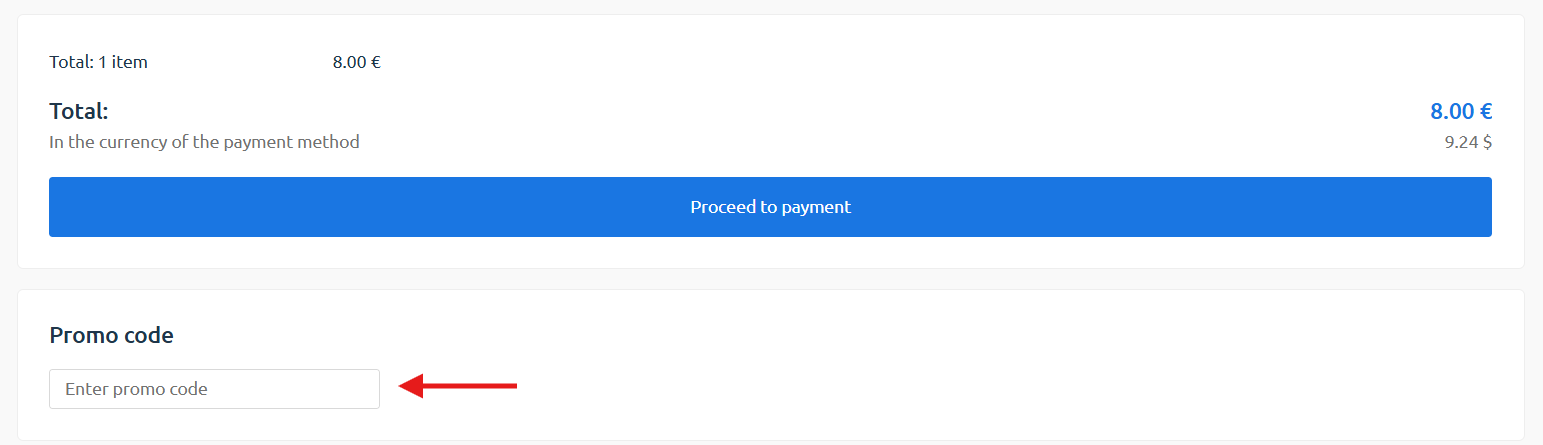

How to use a promo code
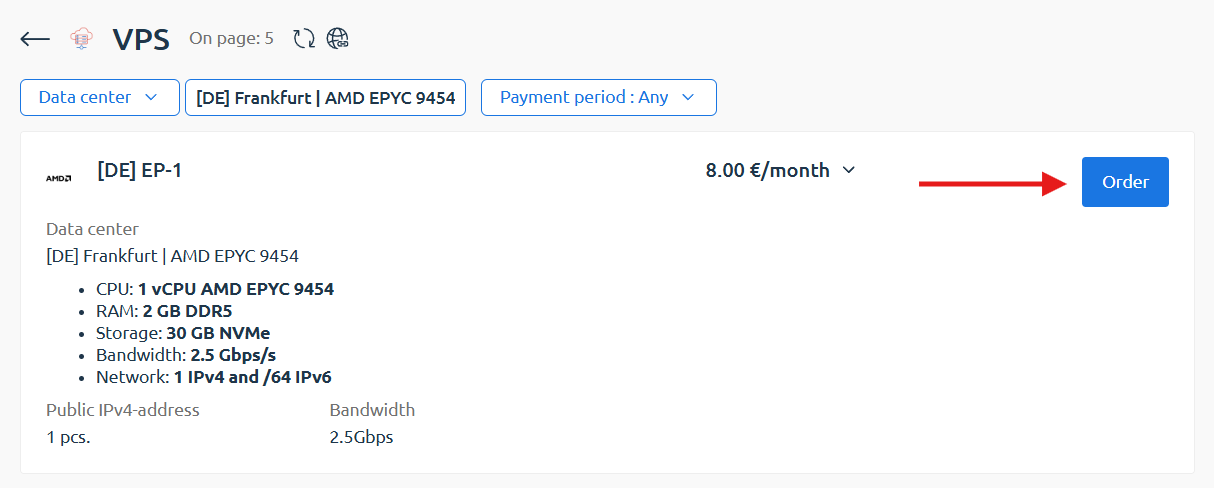
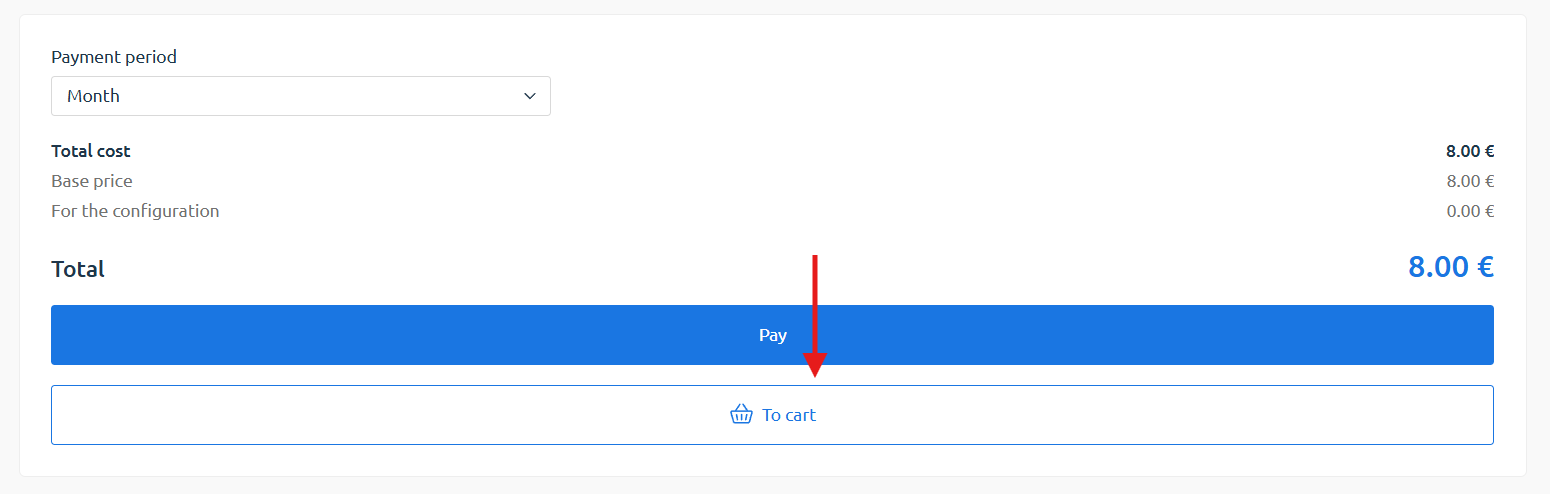
Step 1. Add the service to the cart
Section titled “Step 1. Add the service to the cart”To apply a promo code when purchasing a service, first add the service to your cart.
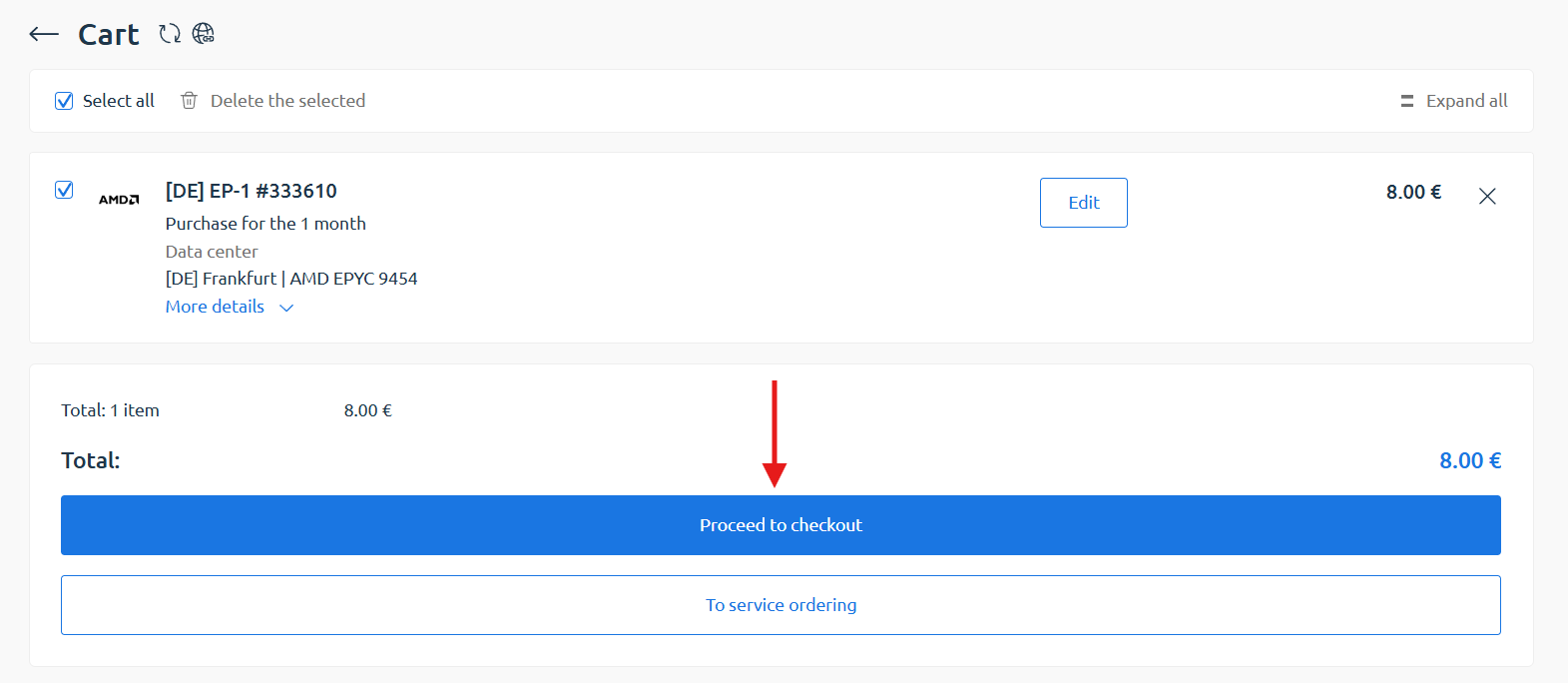
Step 2. Check the order parameters
Section titled “Step 2. Check the order parameters”Then, in the cart, review the order details (location, plan, and payment period) and click «Proceed to checkout».
Step 3. Apply a promo code
Section titled “Step 3. Apply a promo code”On the «Completing the payment» page, you can apply the promo code under the «Proceed to payment» button.