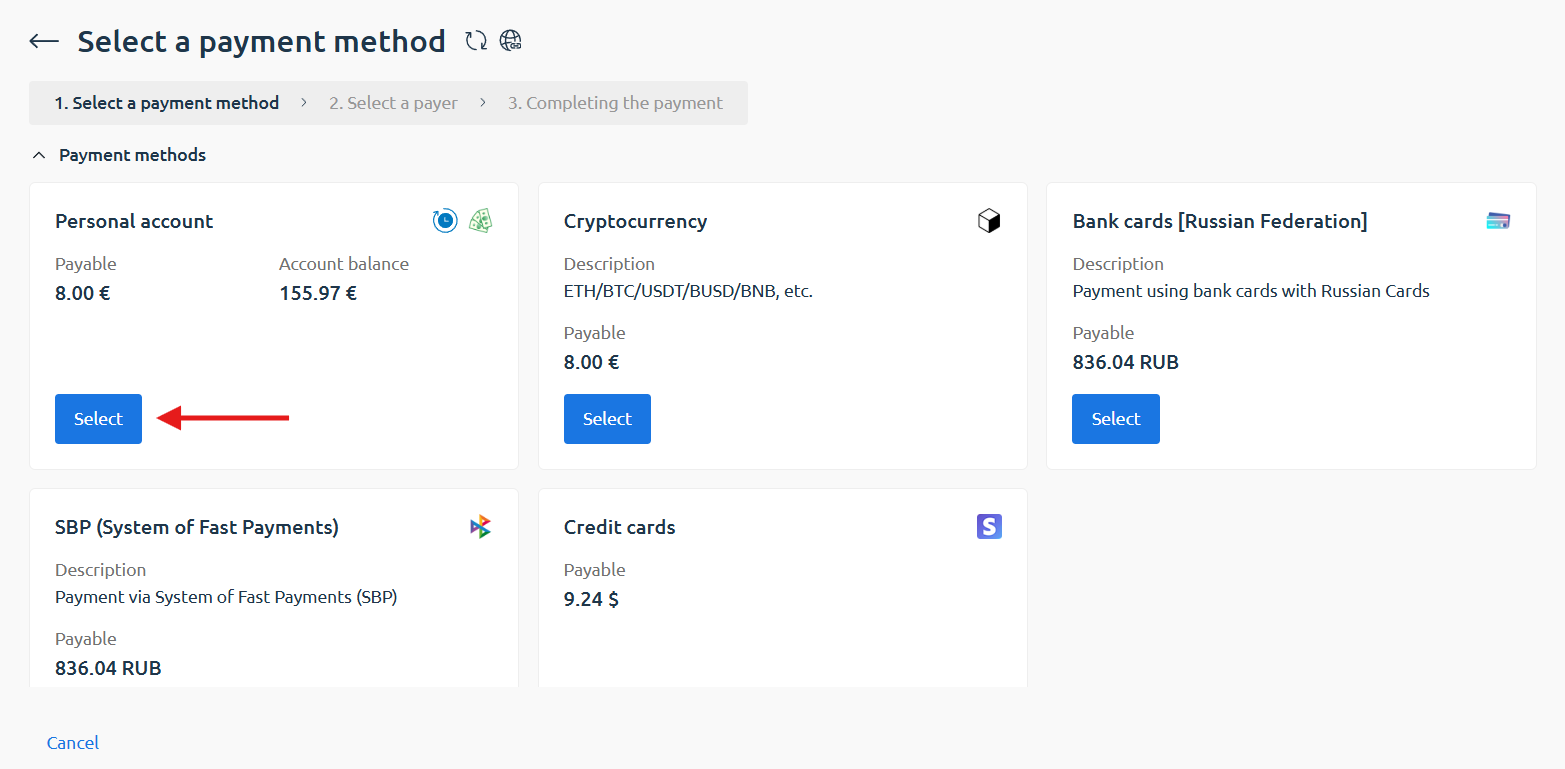

How to pay from a personal account
Step 1. Add the service to the cart
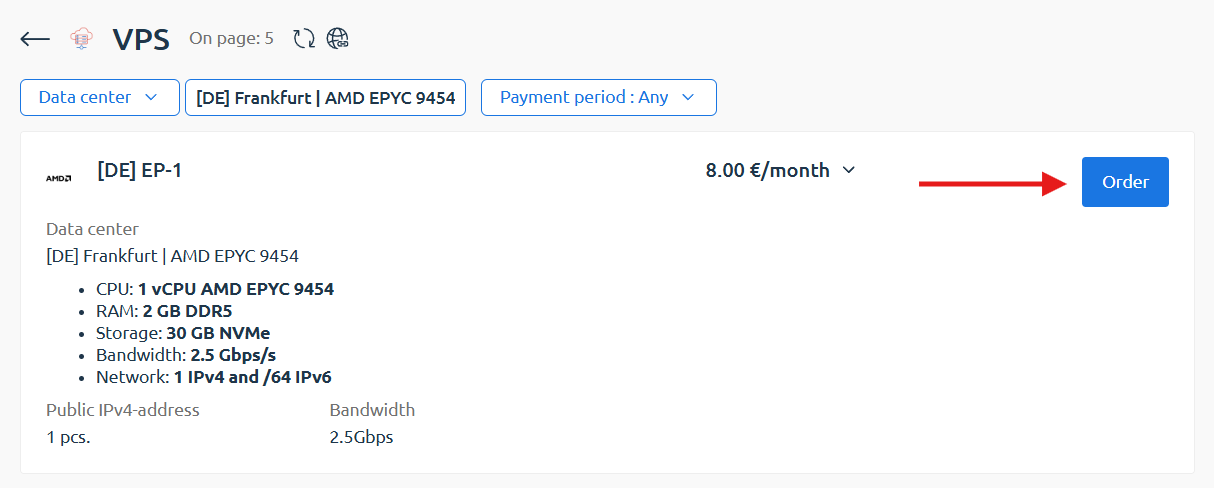
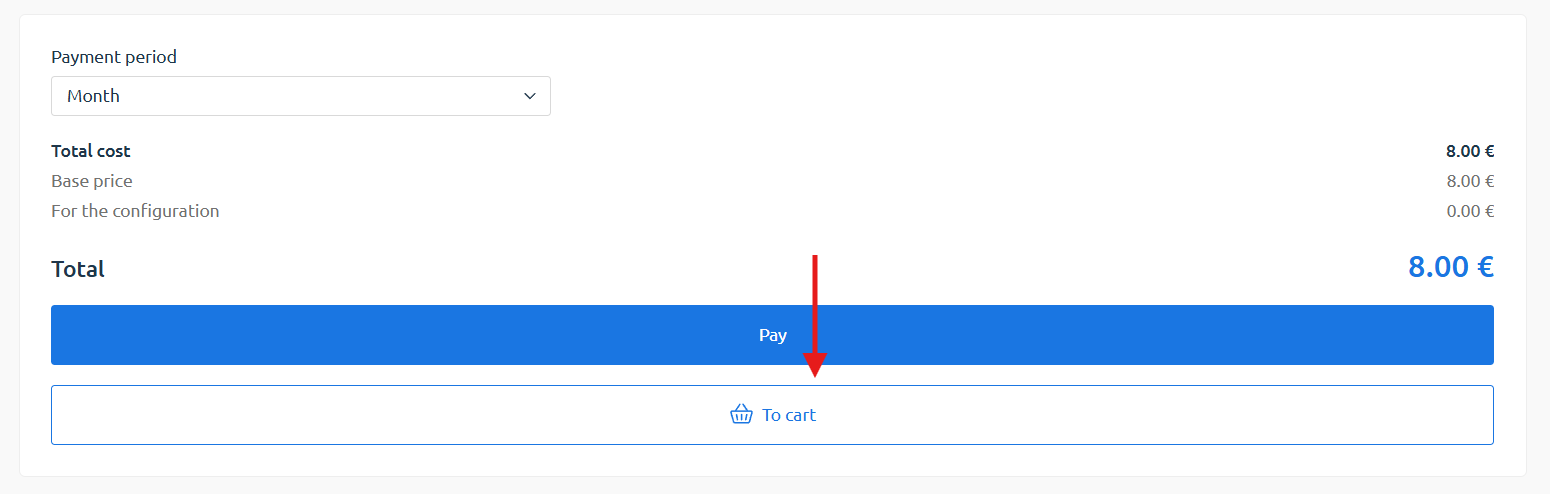
Section titled “Step 1. Add the service to the cart”To pay for an order using your personal account balance, first add the service to your cart.
Step 2. Check the order parameters
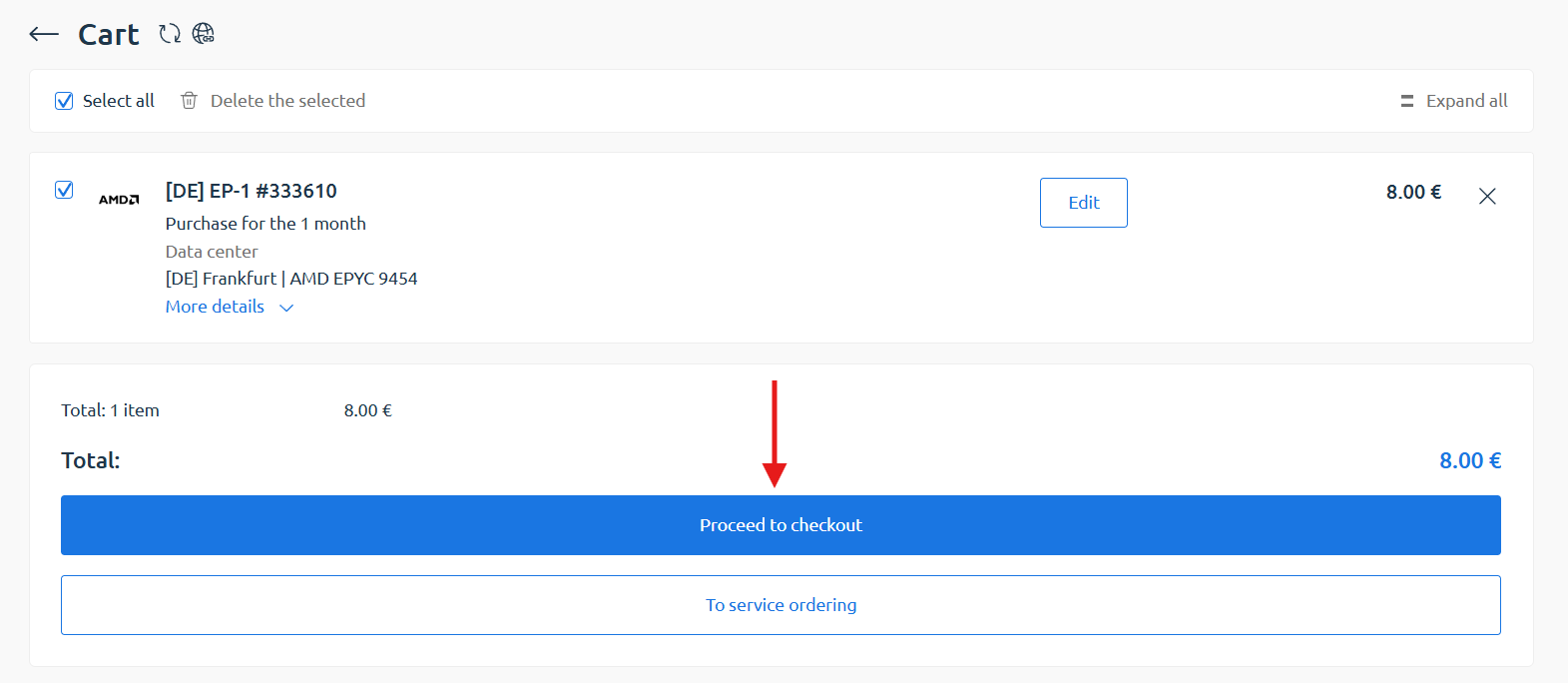
Section titled “Step 2. Check the order parameters”Then, in the cart, review the order details (location, plan, and payment period), and click «Proceed to checkout».
Step 3. Change the payment method
Section titled “Step 3. Change the payment method”On the «Completing the payment» page, click the «Edit» button, select «Personal account» as your payment method, and complete the payment.