

Connecting to the Server via VNC
VNC allows you to connect to the server via browser and access the system console.
This is useful if:
- SSH is not working
- You need direct login access
- Access recovery is required
Step 1. Go to the control panel
Section titled “Step 1. Go to the control panel”Open: Virtual Dedicated Servers
Select the required server and click: Go to

Step 2. Open VNC
Section titled “Step 2. Open VNC”Click the three-dot menu on the right.
Select: VNC
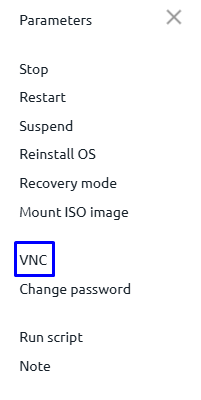
Step 3. Enter login and password
Section titled “Step 3. Enter login and password”After opening the console, a login window will appear.
Login:
- For Linux ---
root - For Windows ---
Administrator
You can find the password in the service settings:
- Return to the server list
- Click the required server
- In the Password field you will see the current password
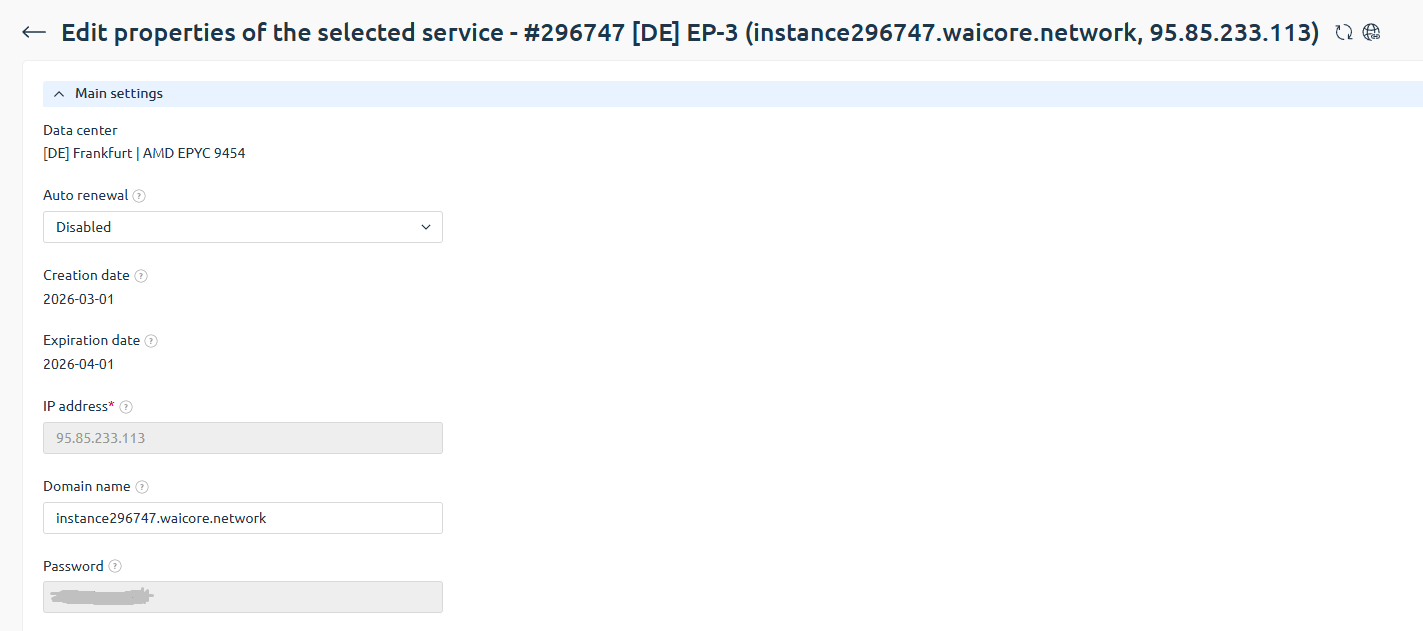
If the password was changed earlier, use the updated one.
Step 4. Working via console
Section titled “Step 4. Working via console”After entering credentials, you will get full access via the built-in console.
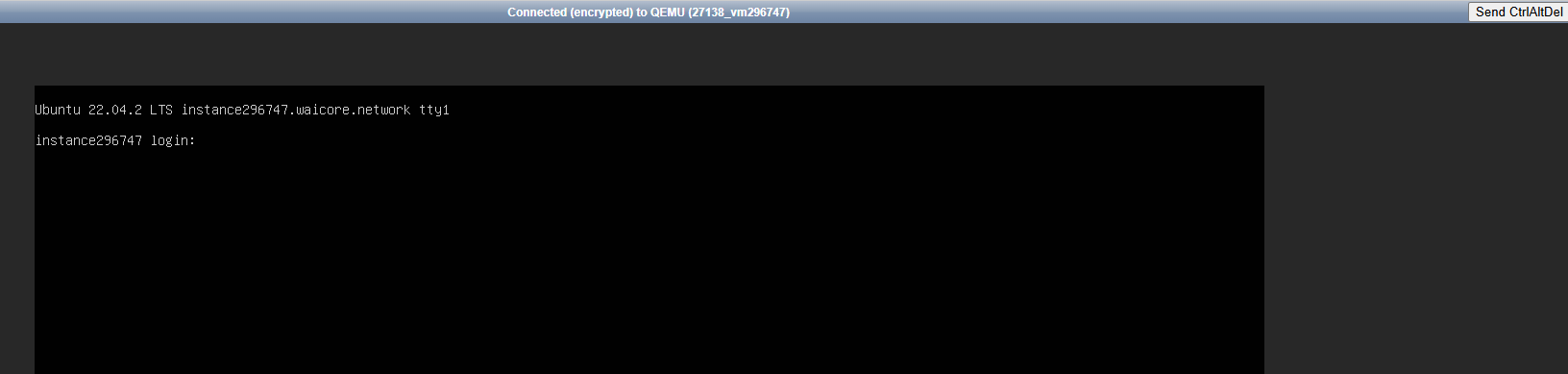
🎉 Done! You have successfully connected to the server via VNC.