

WAICORE Registration
Follow the instructions below to create an account.
Step 1. Open the account page
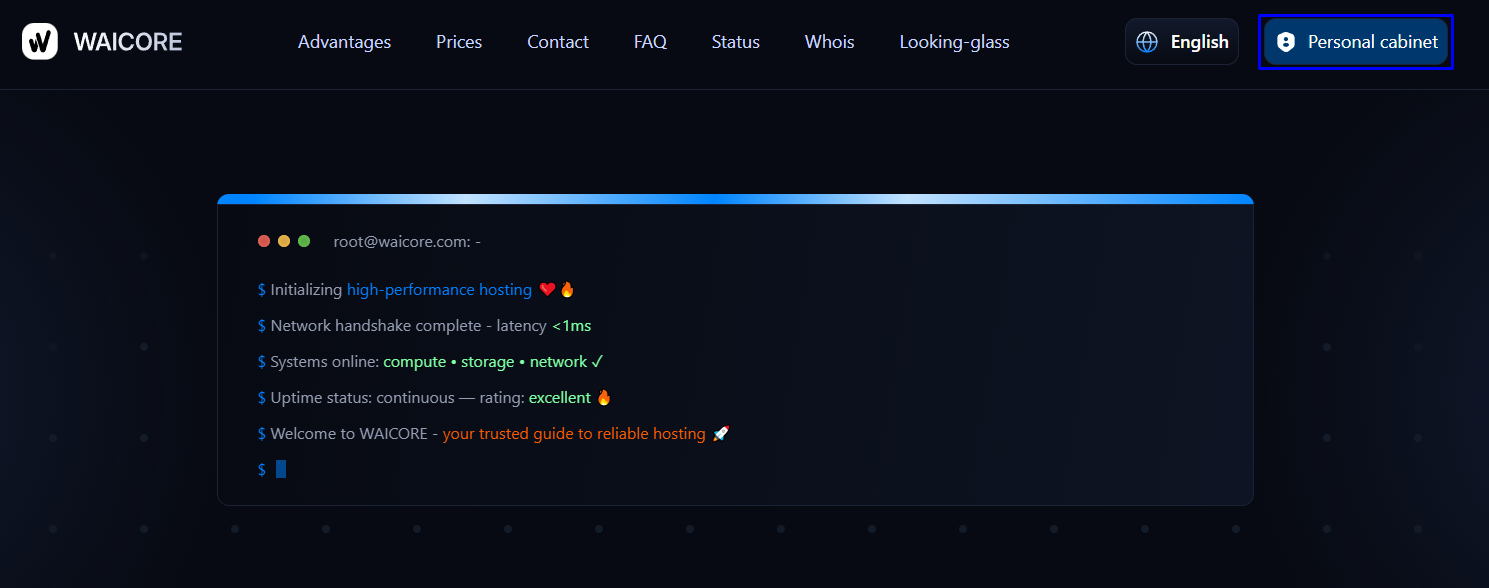
Section titled “Step 1. Open the account page”On the main page click: Personal Account
Step 2. Go to registration
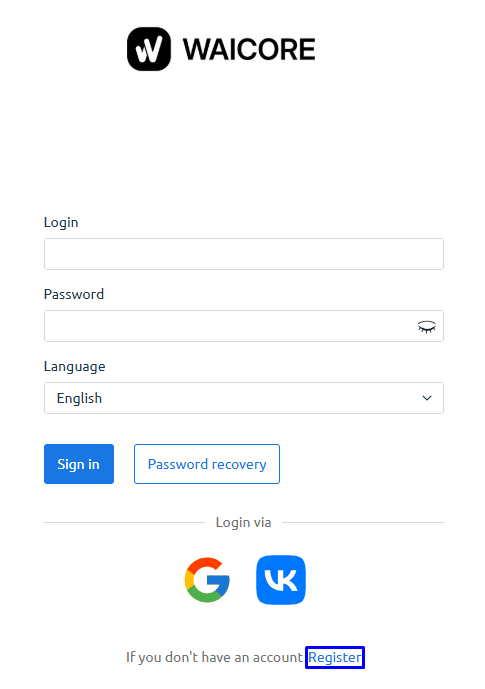
Section titled “Step 2. Go to registration”If you do not have an account, click: Register
Step 3. Fill in the registration form
Section titled “Step 3. Fill in the registration form”Enter:
- Contact name (Full name or Username)
- Email address
- Password
- Confirm password
- Country
Select the required checkboxes.
You can also register via:
- VK
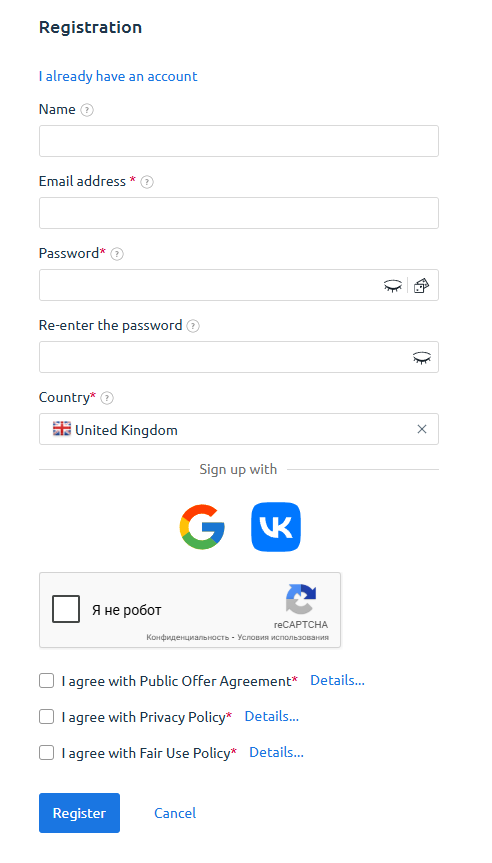
Click: Register
Step 4. Confirm your email
Section titled “Step 4. Confirm your email”After registration you will see:
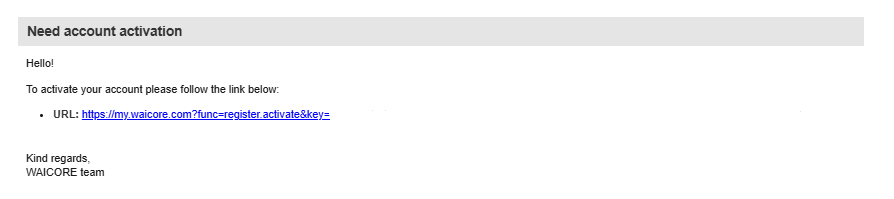
Account activation via email is required
Follow the link in the email.
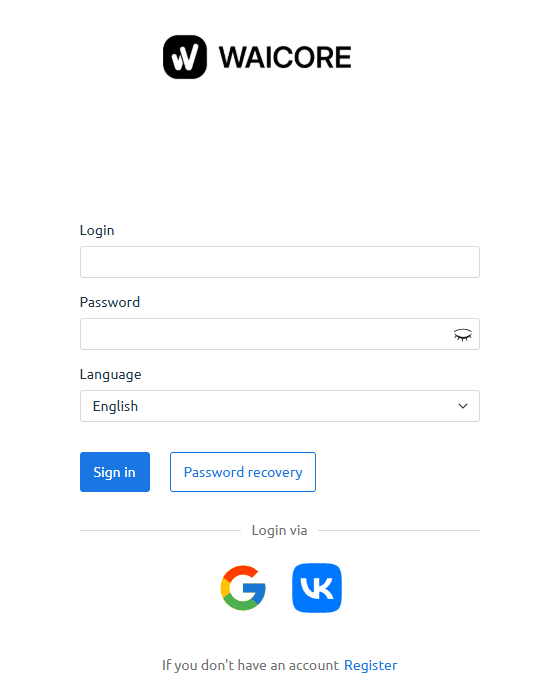
Step 5. Log in to your account
Section titled “Step 5. Log in to your account”After activation:
- Open my.waicore.net
- Enter:
- Login
- Password
- Select language
- Click Login
You can also log in via:
- VK
🎉 Done! You can now use the WAICORE panel.